One connected team
Bring your people and their work into the same shared space.
A mobile workspace for small teams to manage projects, tasks, files, and conversations—with an AI assistant that helps you find work and prepare your next step.


Maneged is a founder-led product bringing projects, conversations, and an AI assistant into one mobile workspace.
Meet the founder ↗Less chasing updates. More moving things forward. Give your projects, conversations, and people one place to meet.
Bring your people and their work into the same shared space.

Keep your team within reach, from your desk to your next destination.

Know what needs doing, who owns it, and what comes next.

Keep conversations and updates alongside the projects they belong to.
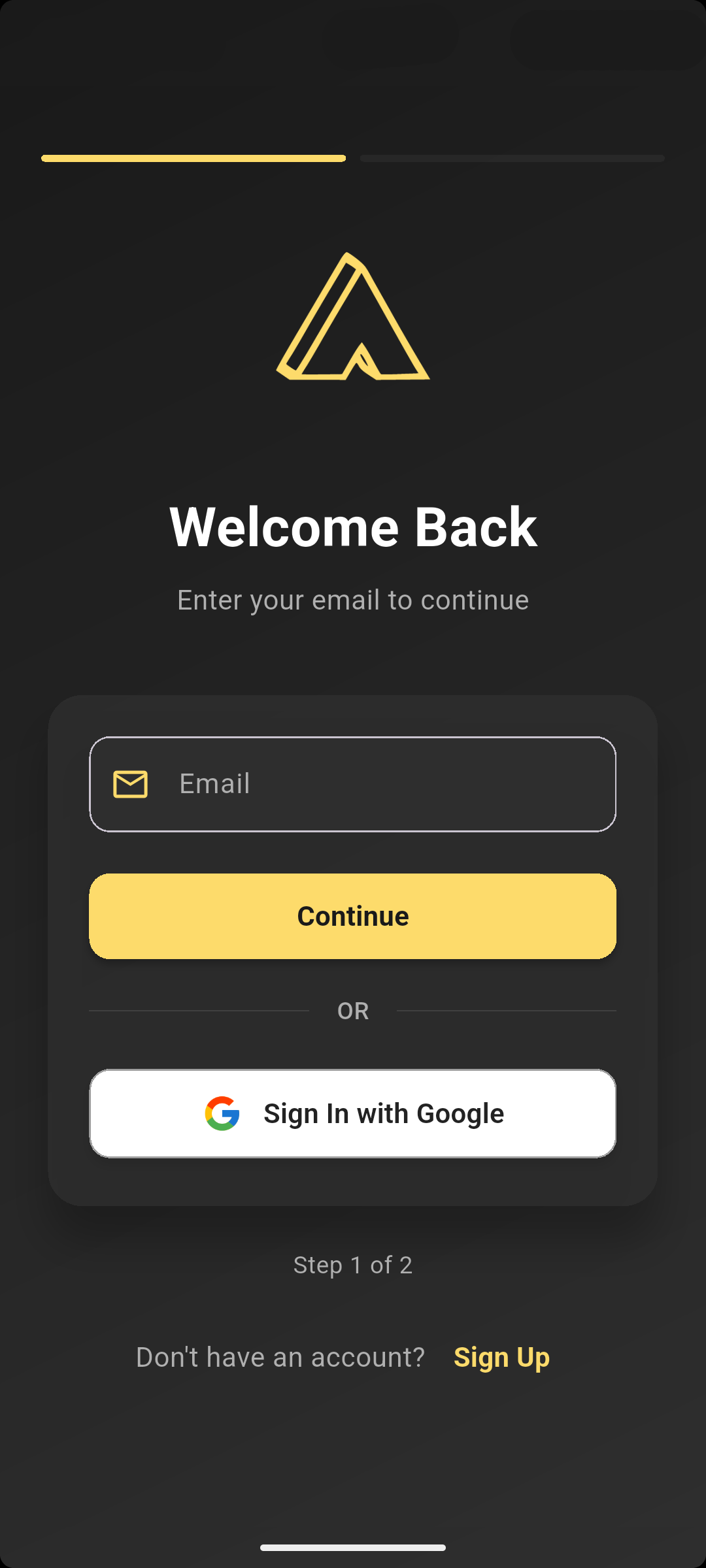
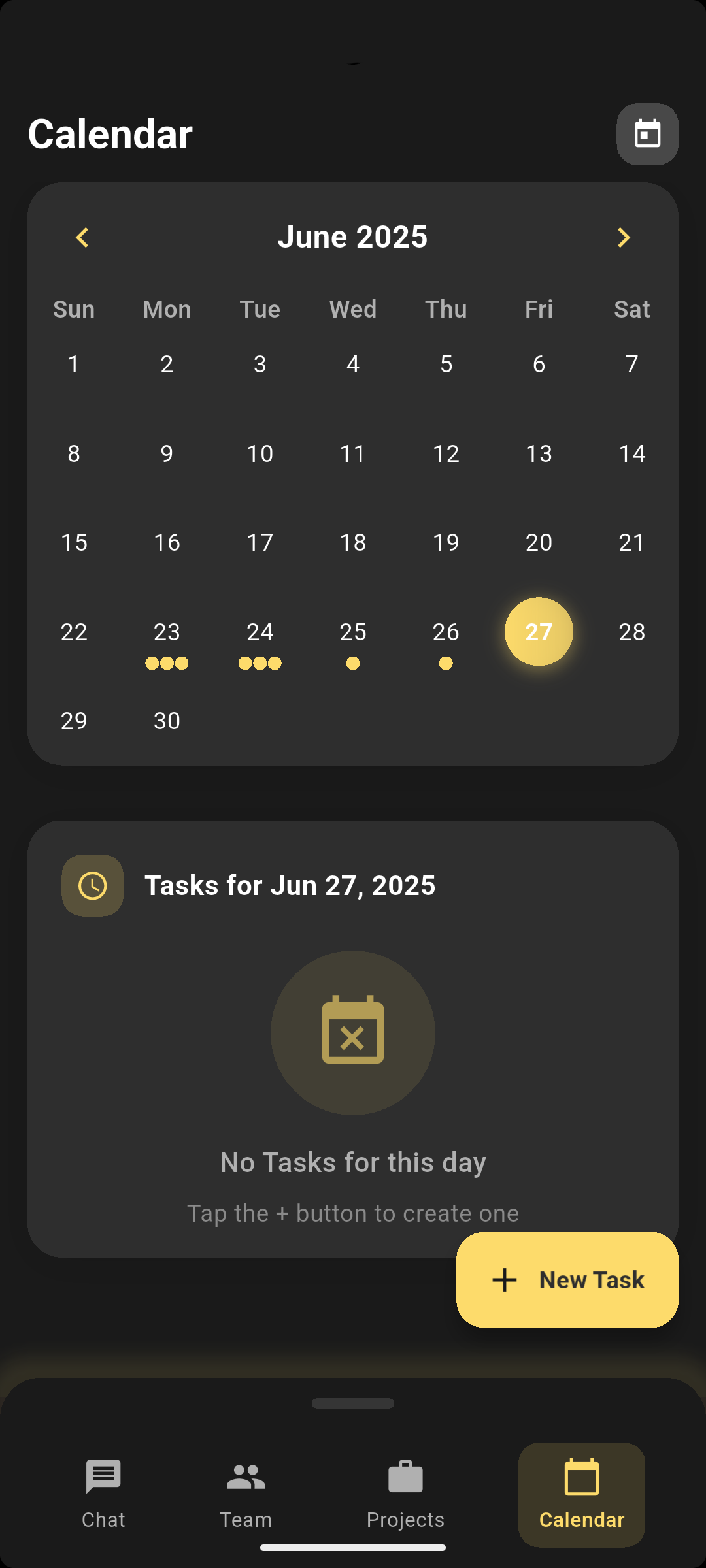
A closer look at Maneged’s mobile interface.
Sign in to your workspace and get back to the people and projects that matter.
Bring tasks, deadlines, and team events into one clear calendar on your phone.
Made for a quick check-in.
Ready for the work ahead.
Maneged’s voice assistant connects natural-language requests to your workspace. Find tasks, people, projects, and conversations, or get a daily briefing without jumping between screens.
Message drafts and task or event changes open for review. You decide when to send or save.
Explore the assistant ↗
Find information. Prepare a reply.
Plan the next step.
 03 / Inside Maneged
From the first idea to the final task, keep the details close.
 Project overview
Status, priority, owners, deadlines, and progress at a glance.
TasksAssign work and let completed tasks update progress.
 Project posts
Keep decisions and updates beside the work.
 Files
Find project documents without searching another tool.
Team conversationsMove quickly in direct and group conversations.
 Calendar
Keep deadlines, events, and next actions visible.
 04 / Plans that grow with you
Preview the proposed plans for launch. Paid plans are not available to purchase on this website.
Choose the way you want to Manege.
Just the basics
Scale your growing team
Advanced power for teams
Tell us your requirements as we shape an enterprise offering.
Proposed launch pricing in USD, subject to change. Monthly plans are priced per seat. Yearly and lifetime options include team sharing. Plan limits and paid capabilities are being finalized; API access, advanced analytics, and SSO are planned offerings.
05 / Built around your teamA shared space for the way you make things happen.
Turn a new idea into a shared plan. Keep tasks, files, and decisions together from the first step.
For creatorsFrom idea to actionGive everyone a clear view of who owns what, what’s moving, and what needs attention next.
For growing teamsLess chasing. More clarity.Stay close to your team’s conversations, calendar, and priorities—even when you’re on the move.
For work on the goYour workspace, within reachThe current build includes a voice assistant for searching workspace data, daily briefings, message drafts, and preparing task or event changes. You review drafts before sending and proposed changes before saving.
Maneged is founded by Aryan Utkarsh. Meet the founder on our About page.
Visit the Maneged Google Play listing. Maneged is in closed testing on Android. Installation is available to eligible testers. Join the Android access list or contact support@maneged.com to ask about access. For help, contact support@maneged.com.
Yes. Maneged brings your projects, tasks, conversations, files, and calendar together in a mobile app. Android is in closed testing on Google Play. Tester access is required to install. iOS is coming soon.
Organize projects, assign tasks, share posts and files, talk with your team, and keep deadlines and events visible in the calendar.
Email support@maneged.com or visit our contact page.
Maneged is built around shared workspaces, project members, and direct and group conversations. You can tell us your team size when you join the waitlist.
Our privacy policy explains how we collect, use, and protect your information. Account deletion details are on the delete account page.
Yes. Files and project posts keep documents, decisions, and updates close to the work they belong to.
Bring your team.
Give your work a place to come together.