
Know who owns what.
See project status, priority, members, deadlines, and progress. Keep tasks and updates connected to the work.
Projects, team conversations, files, calendar planning, and a voice assistant in one mobile workspace.
See project status, priority, members, deadlines, and progress. Keep tasks and updates connected to the work.
Direct and team conversations support replies, reactions, and attachments, so decisions stay within reach.
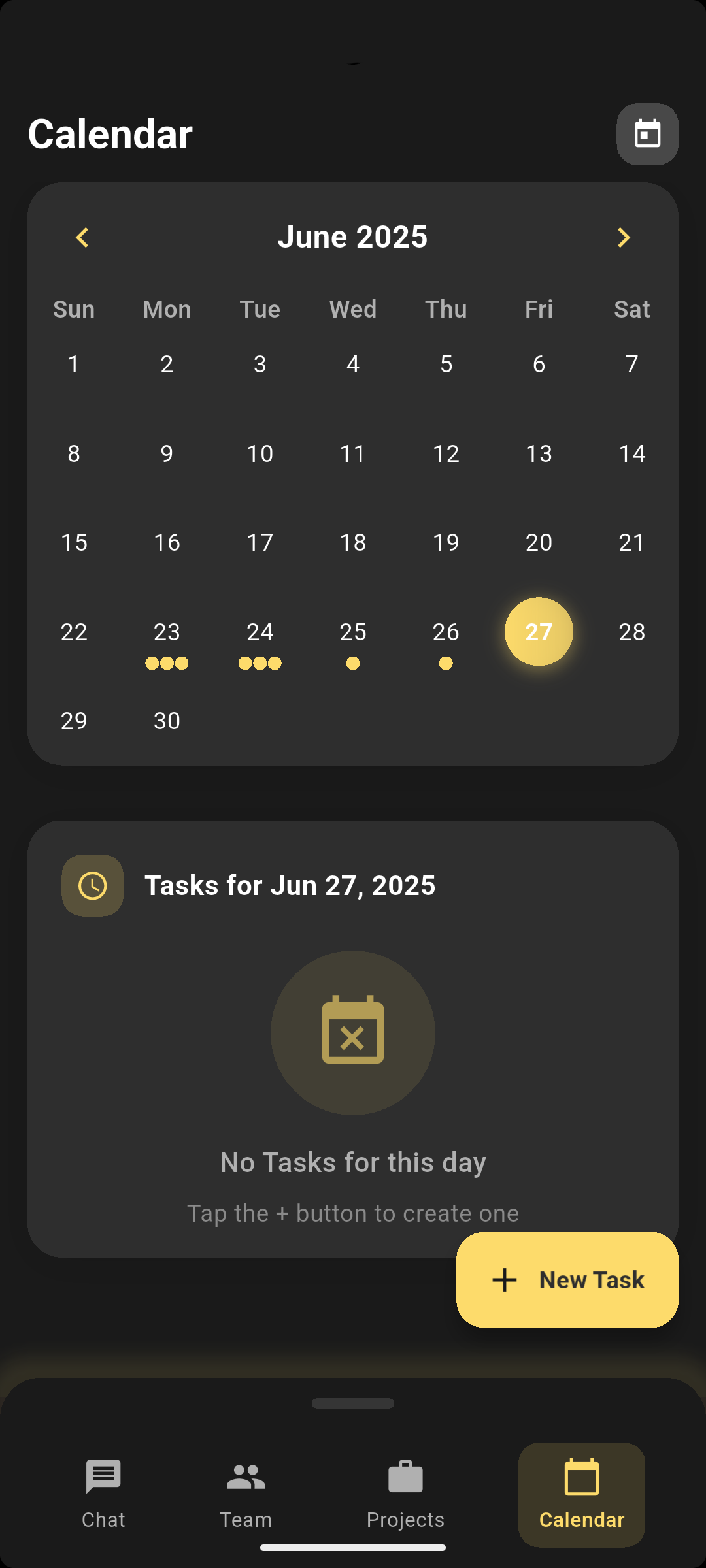
Bring tasks, scheduled events, and your team’s next actions into one calendar.
Use natural language to search workspace records, find tasks and people, get a daily briefing, or prepare your next action. Matching results connect you to the relevant record in the app.
Drafts open in the conversation for you to review and send. Task and event proposals open in the appropriate form for you to check and save. Availability depends on workspace data, permissions, and service connectivity.
Start with your projects, people, and team conversations.
Check the calendar and tasks, or ask the assistant to find relevant work.
Open the matching record, review a message draft, or save a prepared task or event change.